
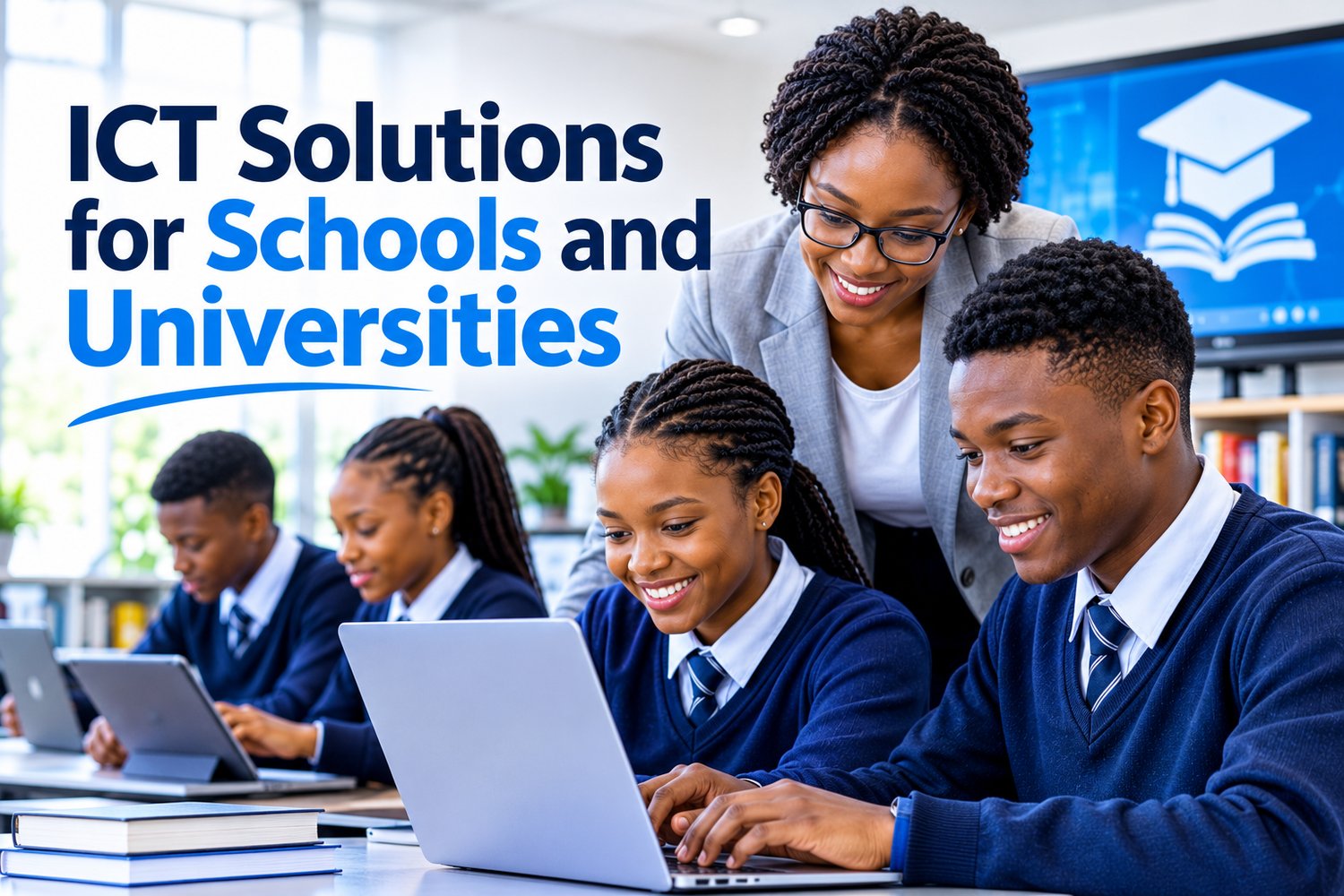
Education is becoming increasingly dependent on technology. Schools, colleges and universities need reliable digital systems to support teaching, learning, administration, communication and the secure management of information.
From computer laboratories and campus networks to online learning platforms, student information systems and cybersecurity, Information and Communication Technology (ICT) plays an essential role in modern education.
A school may need a reliable network that connects classrooms, offices and computer laboratories. A university may require advanced infrastructure to support thousands of students, online examinations, digital libraries, research activities and virtual learning environments.
However, introducing technology into an educational institution involves more than purchasing computers and installing internet connections. Institutions need integrated, secure, scalable and properly maintained ICT solutions that support their educational objectives.
In this article, we explore the key ICT solutions schools and universities need, how technology can improve educational operations, the challenges institutions face and what to consider when investing in ICT infrastructure.
Reliable Network Infrastructure and Internet Connectivity
Reliable network connectivity is the foundation of a modern educational institution.
Schools and universities depend on networks to connect computers, printers, servers, administrative systems, learning platforms, security devices and other digital resources.
Without reliable connectivity, teachers may struggle to access online learning materials, students may experience interruptions during research, and administrative departments may be unable to access important systems.
A well-designed network infrastructure can include:
- Structured network cabling.
- Wireless access points across classrooms and campus facilities.
- Network switches and routers.
- Secure internet connectivity.
- Network monitoring and management.
- Network segmentation for different departments and users.
- Reliable connectivity between campus buildings.
- Capacity planning to support increasing numbers of connected devices.
Practical example: A university with several lecture halls, libraries, laboratories and administrative buildings could implement a campus-wide network that allows authorised users to access learning resources and institutional systems from different locations.
Network segmentation can also help separate student devices, staff systems, administrative resources and sensitive institutional services.
Why it matters: Reliable connectivity supports uninterrupted learning, communication and institutional operations.
Smart Classrooms and Digital Learning Environments
Traditional classrooms are increasingly being supported by digital technologies that make lessons more interactive and accessible.
Smart classroom solutions allow educators to combine traditional teaching methods with digital learning resources.
These solutions may include:
- Interactive smart boards and displays.
- Projectors and presentation equipment.
- Classroom computers and tablets.
- Audio and video conferencing equipment.
- Wireless screen sharing.
- Digital teaching platforms.
- Classroom management software.
- Reliable wireless connectivity.
For example, a teacher can use an interactive display to present diagrams, demonstrate practical concepts, access educational videos and involve students in interactive exercises.
Universities can use lecture-capture systems to record lessons, allowing students to revisit important topics when preparing for examinations.
Why it matters: Smart classrooms can improve lesson delivery, encourage participation and give students more ways to engage with educational content.
Learning Management Systems (LMS)
A Learning Management System is a digital platform used to create, deliver, organise and manage educational content.
LMS platforms are particularly valuable for institutions offering blended learning, online learning or distance education.
They provide a central environment where educators and students can interact with course materials and learning activities.
Common LMS capabilities include:
- Uploading learning materials.
- Assigning homework and assessments.
- Conducting online quizzes.
- Tracking student progress.
- Providing feedback and grades.
- Managing course schedules.
- Supporting online discussions.
- Recording course completion.
For example, a university lecturer can upload lecture notes, assign coursework, conduct an online assessment and provide feedback through one learning platform.
Students can access the material remotely, subject to the institution's access arrangements.
Why it matters: An LMS helps organise learning activities, supports flexible education and improves access to educational resources.
Student Information Systems and School Management Software
Schools and universities manage large volumes of student and administrative information.
This may include admissions, registrations, attendance, academic records, examination results, timetables, fees and communication with parents or students.
Managing these activities manually can become time-consuming and increase the likelihood of errors.
Student Information Systems (SIS) and school management software help institutions centralise and manage these processes.
Typical features include:
- Student registration and admissions.
- Student profiles and academic records.
- Attendance management.
- Examination and grading management.
- Timetable administration.
- Fee and payment tracking.
- Parent and student communication.
- Reporting and administrative dashboards.
Practical example: A school can use a central management system to record attendance, update student information and generate academic reports without relying on multiple disconnected spreadsheets.
A university can use a student information system to manage registration, course selection, academic progress and examination records.
Why it matters: Centralised information improves administrative efficiency, reduces duplication and supports more accurate record management.
Cybersecurity Solutions for Educational Institutions
Cybersecurity is one of the most important ICT considerations for schools and universities.
Educational institutions store valuable and sensitive information, including student records, employee information, financial data, research materials and institutional documents.
They also operate large networks with many users and connected devices, making security management particularly challenging.
Common cybersecurity threats include:
- Phishing emails targeting teachers, students and administrative staff.
- Ransomware attacks that encrypt institutional information.
- Unauthorised access to student and staff accounts.
- Data breaches involving personal information.
- Malware infections on computers and mobile devices.
- Weak passwords and compromised credentials.
- Attacks targeting exposed servers and applications.
- Risks introduced through third-party educational platforms.
Educational institutions should consider implementing several layers of security.
Essential cybersecurity measures include:
Endpoint protection: Protect computers, laptops and servers against malicious software and suspicious activity.
Multi-factor authentication (MFA): Require additional verification when users access sensitive systems.
Firewall and network security: Monitor and control traffic entering and leaving institutional networks.
Access management: Ensure employees and students only access systems and information appropriate to their roles.
Email security: Reduce phishing, malicious attachments and harmful links.
Vulnerability management: Identify and address weaknesses in operating systems, applications and network devices.
Security awareness training: Educate staff and students about suspicious emails, password security and safe internet practices.
Monitoring and incident response: Detect unusual activities and establish procedures for responding to security incidents.
Practical example: If a staff member receives an email claiming to contain an urgent examination document, email security controls can help identify suspicious characteristics, while employee awareness training helps the recipient recognise potential phishing attempts.
Why it matters: Strong cybersecurity protects institutional information, supports operational continuity and helps maintain trust among students, parents, employees and other stakeholders.
Cloud Computing for Schools and Universities
Cloud computing allows educational institutions to access computing resources, applications and data storage through internet-based services.
Instead of relying entirely on physical servers located on campus, institutions can use cloud platforms to support collaboration, communication, storage and learning.
Cloud solutions may include:
- Cloud-based file storage.
- Email and collaboration platforms.
- Virtual classrooms.
- Cloud-hosted applications.
- Online backup services.
- Cloud-based student systems.
- Virtual desktop infrastructure.
- Scalable computing resources.
For example, a university can use a cloud collaboration platform to allow lecturers and students to work on documents, communicate and share learning materials.
Cloud platforms can also support institutions with multiple campuses by providing more centralised access to approved applications and resources.
However, cloud adoption requires careful planning. Institutions must consider data protection, access controls, service availability, internet dependency, licensing costs and backup arrangements.
Why it matters: Cloud computing can improve accessibility, collaboration, flexibility and the ability to scale technology resources as institutional requirements change.
Computer Laboratories and ICT Equipment
Computer laboratories remain important in schools, colleges and universities, particularly where students need practical experience using digital tools.
Institutions may require computers for:
- Computer literacy lessons.
- Programming and software development.
- Engineering and technical applications.
- Research and academic assignments.
- Digital examinations.
- Design and multimedia work.
- Cybersecurity training.
- Online learning and assessments.
An effective computer laboratory requires more than purchasing computers. It should include appropriate hardware, licensed software, network connectivity, security controls and ongoing technical support.
Institutions should also consider:
- Standardised computer configurations.
- Centralised software deployment.
- User account management.
- Operating system updates.
- Antivirus and endpoint protection.
- Equipment maintenance.
- Hardware replacement planning.
- Backup and recovery procedures.
Practical example: A computer laboratory used by hundreds of students can benefit from centralised device management, allowing IT administrators to maintain software configurations, apply updates and manage user access more efficiently.
Why it matters: Properly maintained computer laboratories provide students with access to technology and practical digital skills.
Data Backup and Disaster Recovery
Schools and universities depend on information systems to manage academic records, examination results, financial information, research data and administrative operations.
Losing this information can create serious operational and reputational consequences.
Data loss can occur because of:
- Hardware failure.
- Ransomware attacks.
- Accidental deletion.
- Software corruption.
- Human error.
- Fire, flooding or other physical disasters.
- Unsuccessful system upgrades.
Institutions should implement structured backup and disaster recovery solutions.
These may include:
- Automated data backups.
- Secure off-site or cloud backup storage.
- Backup encryption.
- Regular backup monitoring.
- Restricted backup access.
- Periodic restoration testing.
- Documented disaster recovery procedures.
- Defined recovery time and recovery point objectives.
Two important concepts are:
- Recovery Time Objective (RTO): How quickly a system or service should be restored after a disruption.
- Recovery Point Objective (RPO): How much data loss, measured in time, an institution can tolerate.
For example, a university may determine that its student registration system must be restored within a few hours, while some less critical administrative systems may have longer recovery targets.
Why it matters: Reliable backup and recovery arrangements help institutions protect important information and resume operations after disruptions.
Digital Libraries and Research Information Systems
Universities and colleges need reliable access to academic resources, research materials, journals and digital publications.
Digital library solutions allow students and researchers to access information without depending entirely on physical library collections.
These systems may provide:
- Electronic books and academic journals.
- Digital research repositories.
- Online catalogues.
- Institutional research archives.
- Document management.
- Search and discovery tools.
- Secure remote access.
- Digital resource licensing management.
For example, a university can establish a digital research repository where approved academic publications, dissertations and research outputs are stored and made accessible according to institutional policies.
Why it matters: Digital libraries improve access to academic resources, support research activities and extend learning beyond physical campus facilities.
Video Conferencing and Online Collaboration
Modern education increasingly involves collaboration between students, lecturers, administrators and external academic partners.
Video conferencing and collaboration tools make it possible to conduct lessons, meetings, consultations and academic discussions remotely.
Examples of useful capabilities include:
- Virtual lectures.
- Online tutorials.
- Remote student consultations.
- Staff meetings.
- Group assignments.
- Screen sharing.
- Digital whiteboards.
- Recorded learning sessions.
For example, a university lecturer can conduct a virtual consultation with students who are unable to attend campus.
Educational institutions can also use collaboration tools to connect different campuses and support partnerships with other institutions.
Why it matters: Collaboration technologies support flexible learning, improve communication and make educational activities more accessible.
Artificial Intelligence in Education
Artificial intelligence is creating new opportunities for teaching, learning and institutional administration.
AI-powered technologies can assist educators, students and administrators with selected activities.
Practical applications include:
- AI-supported learning assistants.
- Personalised learning recommendations.
- Automated feedback on selected assessments.
- Administrative document processing.
- Student enquiry chatbots.
- Language and writing support.
- Academic data analysis.
- Learning progress insights.
For example, an educational institution could introduce an AI-powered student support assistant to answer common questions about registration deadlines, campus facilities and academic procedures using approved institutional information.
AI can also help educators prepare lesson materials and generate practice questions.
However, institutions should establish clear rules covering academic integrity, plagiarism, student privacy, data protection and the responsible use of AI. AI-generated answers and assessment outputs require appropriate human review.
Why it matters: AI can support personalised learning, reduce selected administrative workloads and improve access to educational assistance when implemented responsibly.
Access Control and CCTV Surveillance
Educational institutions need to protect students, employees, visitors, buildings and valuable equipment.
Smart security technologies can help institutions manage access to their facilities and monitor important areas.
Possible solutions include:
- Electronic access control systems.
- Biometric or card-based access management.
- CCTV surveillance systems.
- Visitor management systems.
- Secure access to computer laboratories.
- Monitoring of restricted areas.
- Integrated security management platforms.
For example, a university can use access cards to control entry into student residences, laboratories, server rooms and administrative offices.
CCTV systems can support security monitoring around entrances, corridors, parking areas and other designated locations.
Institutions must ensure that surveillance and access systems are implemented responsibly, with appropriate privacy safeguards, access restrictions and compliance with applicable laws.
Why it matters: Integrated security solutions help institutions manage physical access, protect facilities and improve campus safety.
IT Support and Maintenance Services
Technology is only useful when it works reliably. Schools and universities need ongoing technical support to ensure that their ICT systems remain operational.
Common support requirements include:
- Computer troubleshooting and repairs.
- Network connectivity support.
- Software installation and updates.
- Operating system maintenance.
- Printer and peripheral support.
- User account and password assistance.
- Hardware upgrades and replacement.
- IT asset management.
- Server and application monitoring.
Institutions should consider implementing an IT service management (ITSM) system to record, assign, track and resolve technical support requests.
For example, when a lecturer experiences a connectivity problem during an online class, a support ticket can be logged and assigned to the appropriate technician for investigation.
Why it matters: Proactive IT support reduces downtime, improves system reliability and allows educators and students to concentrate on learning.
Protecting Student Information and Ensuring Data Privacy
Educational institutions process personal information belonging to students, parents, guardians, lecturers, administrative employees and other stakeholders.
This information may include identification details, contact information, academic records, financial information and other sensitive records.
Institutions should establish appropriate data protection practices, including:
- Role-based access controls.
- Strong authentication.
- Encryption of sensitive information.
- Secure data storage.
- Regular security assessments.
- Data backup and recovery.
- Secure disposal of outdated information.
- Employee privacy awareness training.
- Documented data breach response procedures.
In South Africa, educational institutions must consider their obligations under the Protection of Personal Information Act (POPIA), where applicable.
They should also ensure that third-party technology providers handle institutional information under appropriate contractual and security arrangements.
Why it matters: Protecting personal information helps maintain trust, reduce privacy risks and support responsible management of educational records.
How to Choose the Right ICT Solutions for an Educational Institution
Not every school or university requires the same technology. A small school may need reliable internet connectivity, computer laboratories and student management software, while a large university may require advanced campus networks, cloud platforms, cybersecurity systems and integrated applications.
Before investing in ICT, institutions should consider the following:
1. Assess current technology: Identify existing infrastructure, outdated equipment, connectivity challenges and software limitations.
2. Identify institutional needs: Consult educators, students, administrators and IT personnel to understand the challenges affecting teaching and operations.
3. Establish a realistic budget: Consider purchasing costs, licensing, installation, training, maintenance and future upgrades.
4. Prioritise cybersecurity: Ensure that new systems include appropriate security controls and data protection measures.
5. Consider scalability: Select solutions that can accommodate increasing student numbers, additional campuses and changing educational requirements.
6. Check system compatibility: Ensure that new technologies can integrate with existing applications and infrastructure.
7. Plan for ongoing support: Establish maintenance arrangements, technical support procedures and equipment replacement plans.
8. Evaluate suppliers and technology partners: Consider technical expertise, service quality, support availability and the ability to deliver solutions that meet institutional requirements.
A well-planned ICT investment should solve genuine educational challenges while supporting the institution's long-term objectives.
How NTKays Innovations Can Help Educational Institutions
Schools, colleges and universities need technology partners who understand that ICT is not simply about installing equipment. It is about building reliable, secure and integrated environments that support education and institutional growth.
NTKays Innovations provides technology solutions across several areas that can support the digital transformation of educational institutions.
Our capabilities include:
- ICT Infrastructure: Servers, storage, networking, connectivity, structured cabling, Wi-Fi solutions and IT support.
- Software Solutions: Custom software development, enterprise applications, business management systems, system integration and automation.
- Cloud Solutions: Cloud migration, cloud hosting, storage, Microsoft 365, backup and disaster recovery.
- Cybersecurity Solutions: Endpoint protection, network security, threat detection, vulnerability assessments, data protection and security awareness training.
- Smart Building Solutions: Intelligent access control, CCTV surveillance, building automation and integrated security technologies.
- Strategic Technology Partnerships: Technology collaboration, solution co-creation, product distribution and training enablement.
Whether an institution is upgrading its existing infrastructure, strengthening cybersecurity or exploring digital learning technologies, the right ICT strategy can help create a more connected and efficient educational environment.
Building a Smarter Future for Education Through Technology
Technology is changing how schools and universities teach, communicate, manage information and deliver educational services.
Reliable networks, smart classrooms, learning management systems, cloud computing, cybersecurity, digital libraries and AI-powered tools are becoming increasingly important components of modern education.
However, successful digital transformation requires more than purchasing new equipment. Institutions need carefully planned ICT infrastructure, appropriate software, strong security controls and ongoing technical support.
By investing in the right technology, educational institutions can improve administrative efficiency, support educators, expand learning opportunities and prepare students for an increasingly digital world.
The future of education is connected, secure and technology-driven.